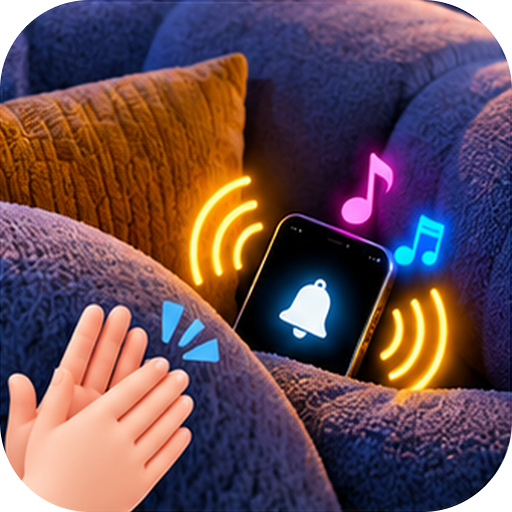
01
Clap to find
Enable detection, clap your hands, and trigger alerts to help locate your nearby phone.
YOUR PHONE IS CLOSER THAN YOU THINK
Between the cushions? Out of sight? ClapFinder Launcher helps your nearby phone make itself heard — and seen.
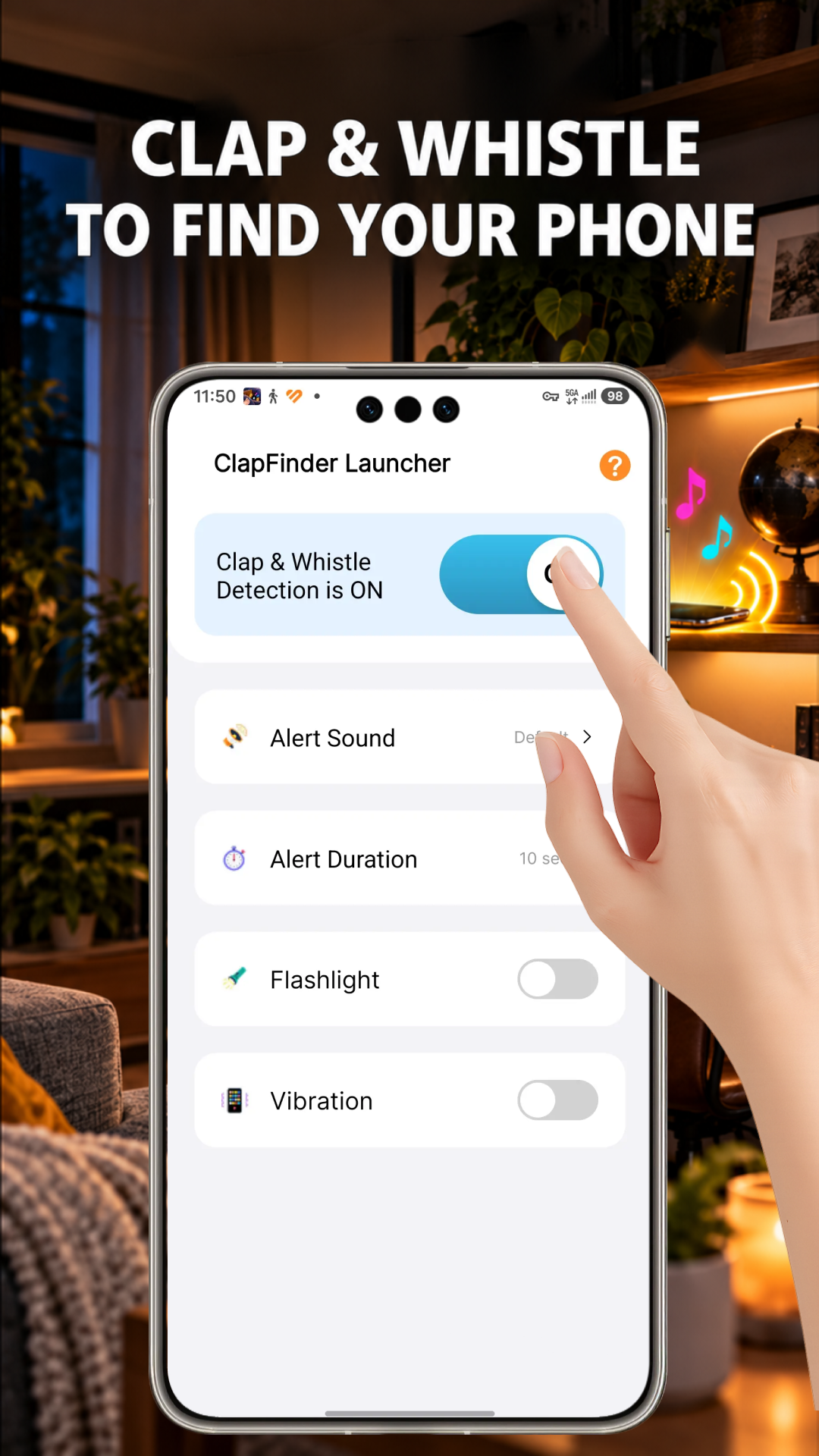
Clap. Listen. Found.
01 / SMALL ACTION. HANDY HELP.
Simple tools for finding a misplaced phone nearby, plus a home screen for your everyday apps.
Enable detection, clap your hands, and trigger alerts to help locate your nearby phone.
Audible alerts help draw your attention to a phone that has slipped out of sight.
Flashing light alerts add a visible signal to help you spot your misplaced device.
Keep detection active in the background or with your screen locked, subject to device settings and Android restrictions.
Clap detection processes microphone audio on your device without storing or uploading recordings.
An optional Android home screen gives you convenient access to your installed apps.
02 / GET SET. GET FOUND.
Set up detection before you need it. Then let a clap help you find your phone nearby.
Get the app from Google Play and open it on your Android phone.
Grant microphone permission so the app can detect your claps.
Clap your hands and use the sound and flashlight alerts to locate your phone.
03 / A PLACE FOR YOUR EVERYDAY
ClapFinder Launcher also includes a simple home screen for convenient access to your installed apps. Select it as your default Home app to use the launcher features.
Your installed apps stay on your phone.
Return to your system launcher in Android settings:
Menu names may vary by device. You can also uninstall the app.
04 / TAKE A CLOSER LOOK
A look at ClapFinder Launcher, straight from Google Play. Select any image to enlarge.
SCROLL TO EXPLORE ALL 6 IMAGES
A FEW THINGS TO KNOW
Microphone permission is needed for clap detection. Background and lock screen operation depend on your device settings and Android restrictions.
The listing states that clap detection does not store or upload microphone recordings. The app’s separate Google Play Data safety disclosure says it may collect and share other data, including location and app activity. Read the privacy policy and Data safety details for more information.
ClapFinder Launcher helps you locate a nearby misplaced device through clap-triggered sound and flashlight alerts.
NEXT TIME IT’S “WHERE’S MY PHONE?”
Make finding your phone a little easier with ClapFinder Launcher.